
Using Airwheel electric luggage is simple and convenient. Start by downloading the Airwheel app from the App Store or Google Play. Ensure your device runs Android 4.3 or iOS 7.0 or higher. Once installed, power on your SE3MiniT and enable Bluetooth. Open the app and follow the on-screen instructions to connect your luggage. Enter the verification password 11111111 to establish a secure link.
After pairing, customize settings like speed and LED lights through the app. For optimal performance, keep the device clean and avoid extreme temperatures. Regularly check the battery level and charge it using the provided cable. Always store the warranty card and manual securely for future reference.
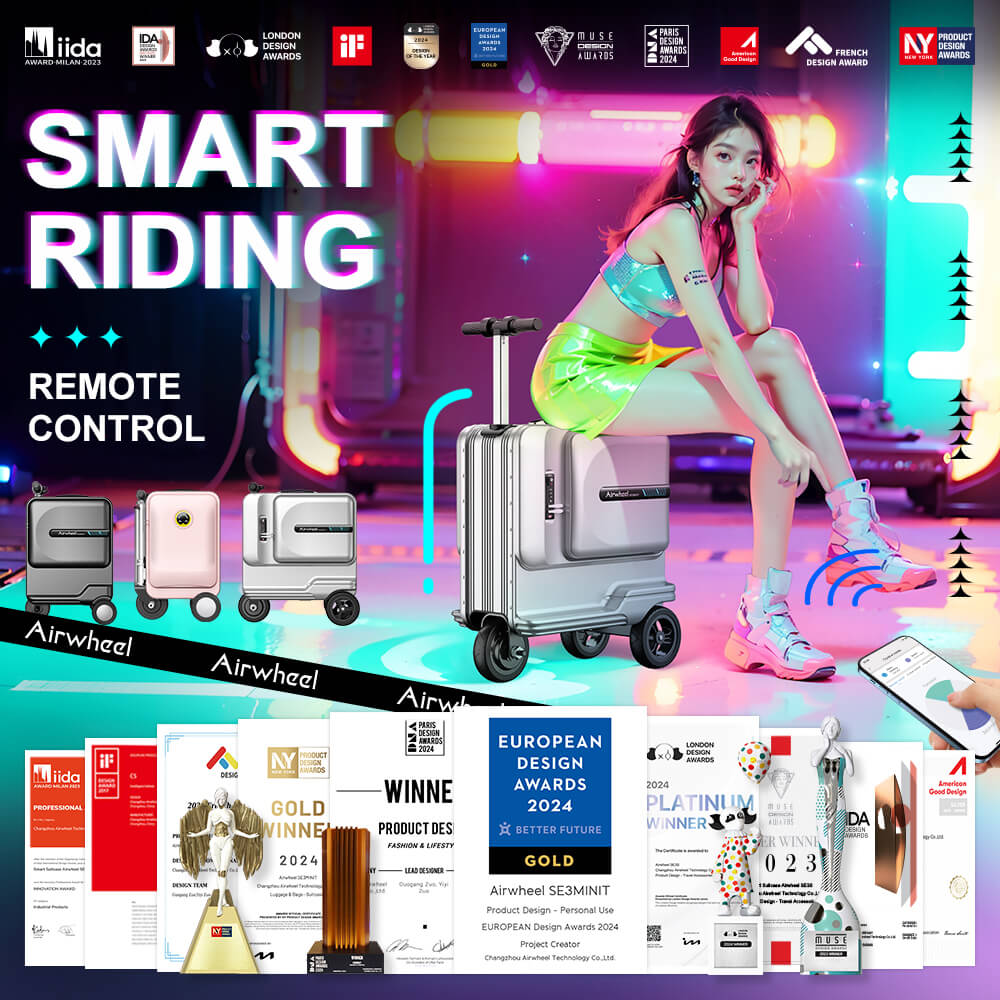
To maintain your luggage, wipe the exterior with a dry cloth to remove dust. Avoid liquid spills and ensure the wheels are free from debris. For advanced features, visit the official website https://www.airwheel.net for detailed guides. With proper care, your Airwheel electric luggage will enhance your travel experience seamlessly.